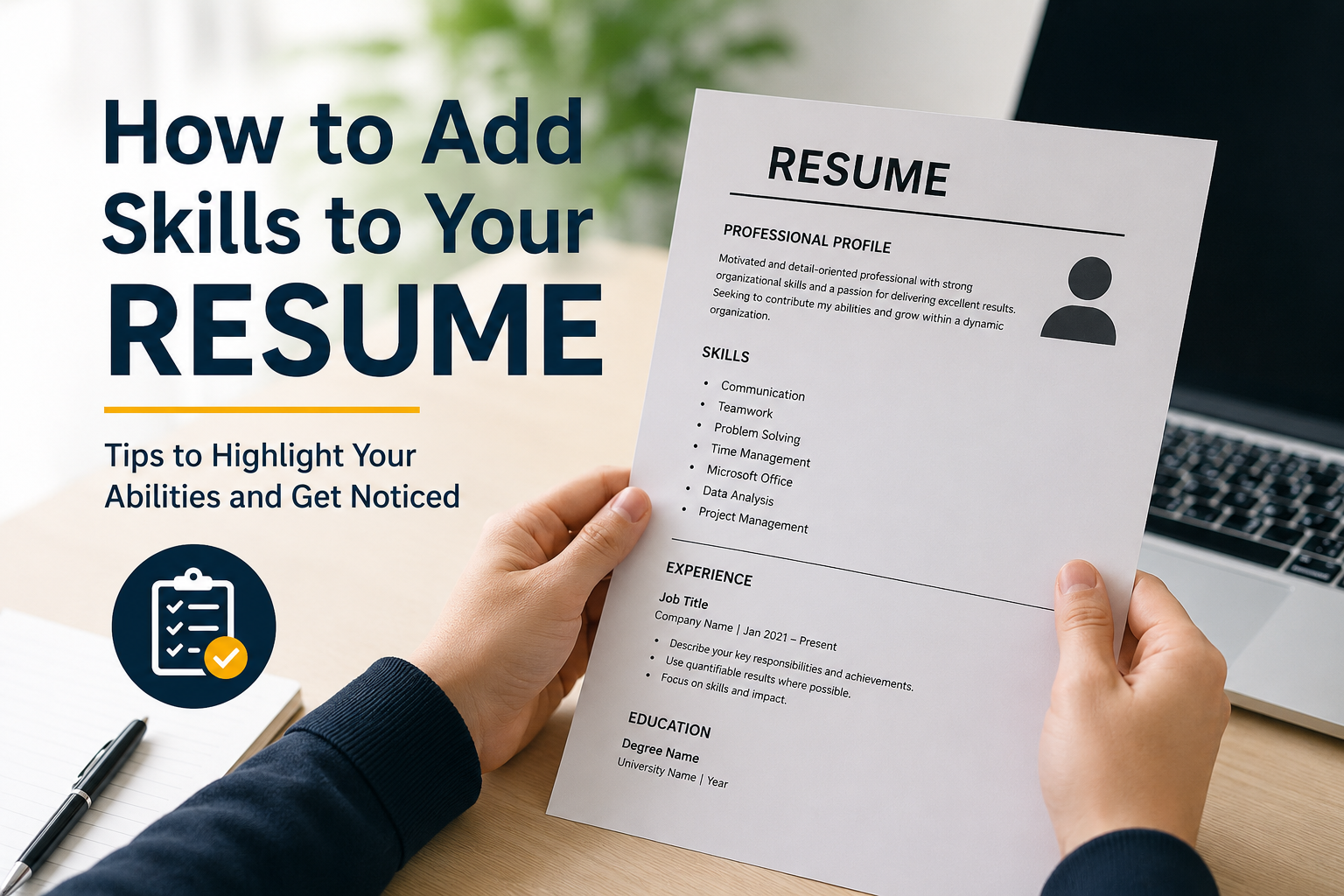
When I think about a good resume, I believe skills are one of the most important sections. Your education and work experience tell an employer where you have been, but your skills show what you can actually do. A well written skills section can make your resume stronger and help you stand out from other applicants.
If you are a beginner, adding skills to your resume can sometimes feel confusing. You may wonder which skills are important, how many skills you should mention, and where you should place them. In my experience, the best approach is to focus on skills that are useful for the job you want and that you can honestly support with examples.
In this article, I will explain how to add skills to your resume in a simple and practical way.
Why Skills Are Important on a Resume
Skills give employers a quick idea of your abilities. Recruiters often receive many resumes for one position, so they may initially scan each resume rather than reading every sentence carefully.
A clear skills section helps them quickly identify whether you have the abilities required for the position.
For example, if you are applying for an office assistant job, skills such as communication, organization, time management, Microsoft Office, data entry, and customer service can be useful. If you are applying for a graphic design position, skills such as Adobe Photoshop, Canva, typography, visual design, and photo editing may be more relevant.
This is why I believe you should never create one generic skills section and use exactly the same version for every job application.
Understand the Job Description First
Before adding skills to your resume, I recommend reading the job description carefully. The employer usually tells you what they are looking for.
Look for repeated words and phrases related to skills, software, responsibilities, and qualifications.
For example, a job description may mention communication, teamwork, customer service, Microsoft Excel, problem solving, and attention to detail. If you genuinely have these abilities, you can include them in your resume.
This approach also helps you create a keyword focused resume. Many companies use applicant tracking systems to scan resumes for relevant keywords before a recruiter reviews them.
However, I would never recommend adding a skill just because it appears in the job description. Only include skills you actually have.
Choose the Right Types of Skills
Resume skills generally fall into two useful categories: hard skills and soft skills.
Hard skills are specific abilities that can usually be learned, practiced, and measured. Examples include Microsoft Excel, WordPress, data analysis, bookkeeping, web design, programming, video editing, and search engine optimization.
Soft skills are personal and professional abilities that affect how you work with people and manage your responsibilities. Examples include communication, teamwork, leadership, problem solving, time management, adaptability, and organization.
A strong resume can include both types of skills.
In my opinion, the best combination depends on the job. A technical position may require more hard skills, while a customer service or management position may place greater importance on communication and teamwork.
How Many Skills Should You Add?
There is no single number that works for every resume. I prefer keeping the skills section focused rather than filling it with dozens of random words.
For many resumes, around 8 to 15 relevant skills can be enough. The exact number depends on your experience, career field, and the job description.
If you list too many skills, your resume may look crowded and less believable. If you list too few, you may miss important keywords.
The goal should be quality and relevance.
For example, instead of writing:
Communication, teamwork, leadership, creativity, computer skills, typing, internet, hardworking, friendly, punctual, honest, flexible, positive attitude, fast learner, motivated
You could create a more focused list such as:
Communication
Customer Service
Microsoft Excel
Data Entry
Time Management
Problem Solving
Teamwork
Record Keeping
The second version gives the employer a clearer idea of what you can offer.
Add Skills That Match Your Career Goal
Your skills section should support the type of job you want.
If you are applying for a digital marketing job, useful skills may include content writing, social media management, keyword research, basic SEO, email marketing, analytics, and Canva.
For an accounting position, you might mention bookkeeping, Microsoft Excel, financial reporting, invoicing, budgeting, and accounting software.
For a teaching position, you could include classroom management, lesson planning, communication, student support, educational technology, and presentation skills.
This does not mean you need to completely change your skills every time. Instead, adjust the section so the most relevant skills are easy to notice.
Use Specific Skills Instead of General Statements
One mistake I often see in resumes is using vague phrases that do not tell the employer much.
For example, saying “good with computers” is not very specific.
It is better to mention the actual abilities you have, such as Microsoft Word, Microsoft Excel, Google Docs, Canva, WordPress, or data entry.
Similarly, instead of simply writing “marketing,” you could mention social media management, keyword research, content creation, email marketing, or customer research if those are skills you actually possess.
Specific skills make your resume easier to understand.
Show Your Skills Through Experience
Simply listing a skill is useful, but showing how you used that skill can make your resume much stronger.
For example, instead of only writing “Customer Service” in your skills section, you can demonstrate it in your experience section.
You might write:
“Assisted customers with product questions and helped resolve common service issues.”
Instead of only listing “Microsoft Excel,” you could write:
“Used Microsoft Excel to organize records, prepare basic reports, and maintain daily data.”
This gives the employer evidence that your skills are practical.
If you are a beginner with little or no professional experience, you can use school projects, personal projects, volunteer activities, internships, freelance work, or other relevant experiences.
Add Technical Skills Carefully
Technical skills can be especially valuable for modern jobs. These may include software, platforms, programming languages, design tools, office applications, and other technologies.
For example, you might list:
Microsoft Word
Microsoft Excel
Google Workspace
Canva
WordPress
Basic HTML
Data Entry
Social Media Management
Only list software that you can actually use.
I believe honesty is very important here. If you have only watched a few tutorials about a particular program, calling yourself an advanced user could create problems during an interview.
It is better to describe your ability accurately.
Include Transferable Skills
Transferable skills are abilities that can be useful in different jobs and industries.
Communication is a good example. You may develop communication skills through education, customer service, sales, volunteering, or previous employment.
Other transferable skills include organization, teamwork, time management, problem solving, leadership, research, and adaptability.
These skills can be especially helpful for beginners because you may not have extensive professional experience yet.
For example, a student who organized a college event may have developed teamwork, planning, communication, and leadership skills. These abilities can be relevant even if the student has never held a full time job.
Create a Clear Skills Section
Your skills section should be easy to find and read.
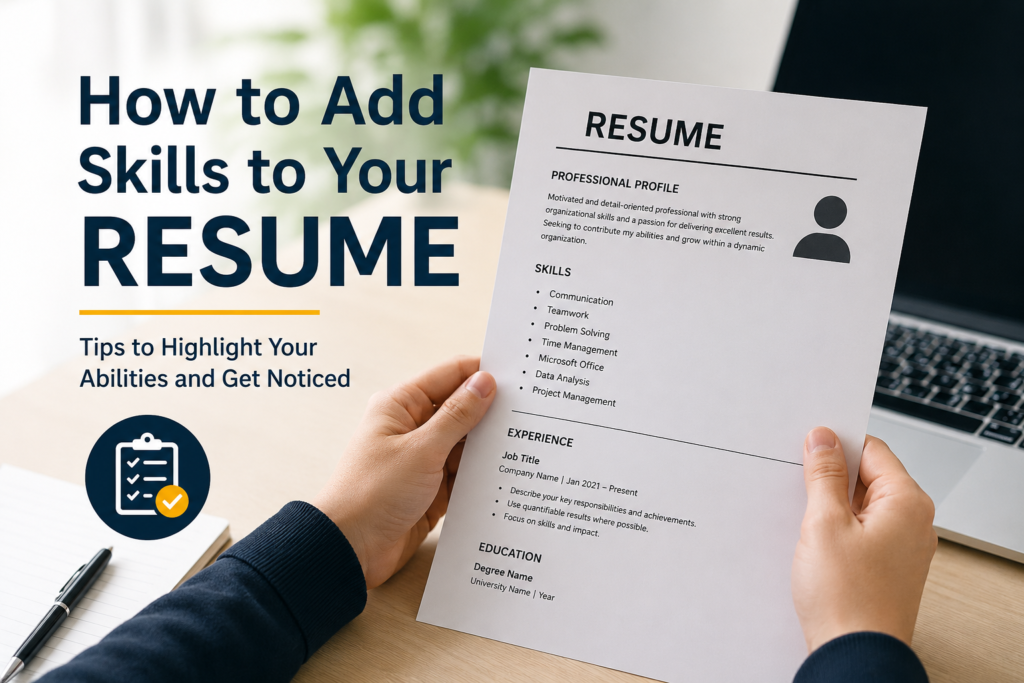
A simple heading such as “Skills” or “Key Skills” works well. Under the heading, use a clean list of relevant skills.
For example:
Key Skills
Communication
Customer Service
Microsoft Excel
Data Entry
Problem Solving
Time Management
Teamwork
Organization
You can also organize skills into categories if you have many technical abilities.
For example:
Technical Skills
Microsoft Excel
WordPress
Canva
Google Workspace
Professional Skills
Communication
Teamwork
Time Management
Problem Solving
The important thing is to keep the design simple and professional.
Avoid Adding Unnecessary Skills
A resume should not contain every ability you have ever learned.
For example, if you are applying for an accounting job, listing “social media posting” may not add much value unless it relates to the position.
Similarly, basic abilities that almost everyone is expected to have may not deserve valuable space on your resume.
Before adding a skill, I recommend asking myself one simple question: “Will this skill help me qualify for the job I am applying for?”
If the answer is no, I usually leave it out.
Do Not Exaggerate Your Skills
One of the biggest mistakes you can make is claiming expertise you do not have.
If you write that you are an expert in Excel, the interviewer may ask you to demonstrate your knowledge. If you cannot answer basic questions, it can damage your credibility.
Instead, be honest about your level.
For example, you can describe your ability as:
Basic
Intermediate
Advanced
However, I prefer using skill levels only when they genuinely add useful information. For many resumes, simply listing relevant skills is cleaner.
Keep Your Resume Skills Updated
Your skills section should change as you learn new things.
If you complete a course, work on a project, learn new software, or gain professional experience, consider whether the new skill belongs on your resume.
I recommend reviewing your resume every few months, even when you are not actively searching for a job.
Keeping your resume updated saves time when an interesting opportunity appears.
Final Thoughts
Learning how to add skills to your resume is not difficult, but choosing the right skills requires some thought. The strongest skills section is not necessarily the longest one. It is the one that clearly shows what you can do and connects your abilities with the job you want.
Start by reading the job description. Identify the important keywords and requirements. Then select relevant hard skills and soft skills that genuinely match your abilities.
Remember to be specific, honest, and focused. Whenever possible, demonstrate your skills through your work experience, education, projects, internships, or other activities.
From my point of view, a good resume should make it easy for an employer to understand your value within a few seconds. A clear and relevant skills section can help you do exactly that.
If you are a beginner, do not worry about having a perfect list of skills. Start with the abilities you already have, improve them over time, and keep updating your resume as you grow professionally.